Weight tracker
Weight Tracker with a Progress Chart
Log your weight, see it charted over time, and track how far you are from a goal you set.
Published by Peptade · Weight tracker · Updated September 2026
Weight Tracker keeps one weigh-in per day, in kg or lb, and draws a line through your entries over the range you pick. Logging again on the same day replaces that day's entry.
Set a goal weight and the screen shows how far you have to go, or that you've reached it. The chart also shows how much your weight has changed since the first reading in the range you picked.
Weight values are approximate and meant for general self-tracking. The chart plots what you entered or imported; it isn't a clinical measurement or a diagnosis.
Your weigh-ins, charted
Daily weigh-in
Log today's weight in kg or lb; a second entry that day replaces the first.
Progress chart
A line through your recent weigh-ins, with the range picker right above it.
Goal weight
Set a goal and see how much is left to go, or that you've reached it.
Change over the range
See how much your weight has moved since the first reading in the range you picked.
History you can correct
Browse your recent weigh-ins, or just the past month's, and remove one that's wrong.
Apple Health, both ways
On iOS, weights you log go to Apple Health, and readings from other sources come in for days you haven't logged.
Frequently asked questions
As often as suits you, up to once a day — logging again on the same day replaces that day's entry. The chart simply connects the entries you have.
No. Weight values are approximate and meant for general self-tracking, not a clinical measurement or diagnosis.
Yes, on iOS, if you connect it. Weights you log are written to Apple Health, and readings from other sources, such as a smart scale, are imported for days you haven't logged yourself.
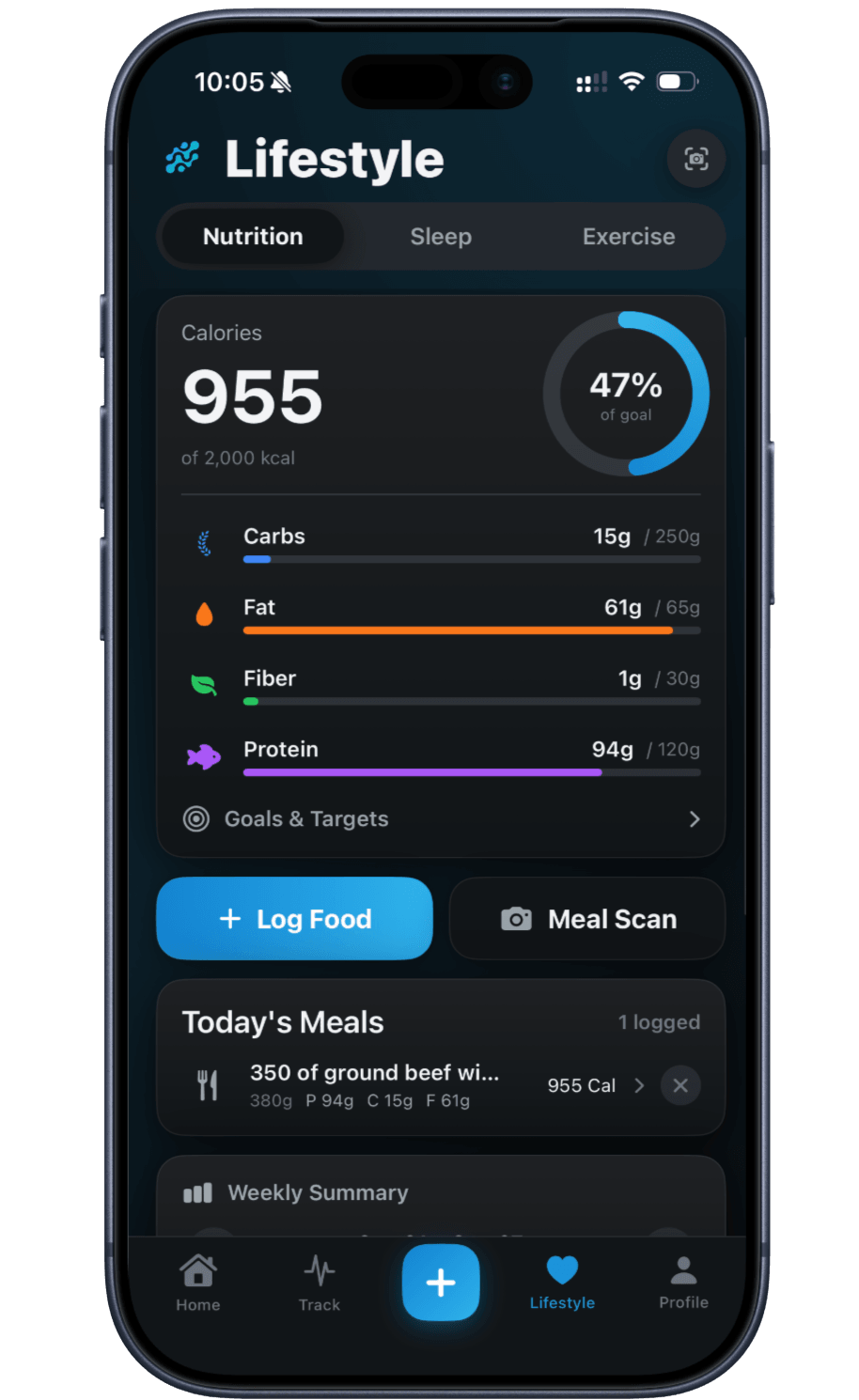
It has its own Weight Tracking card in the Nutrition section of the Lifestyle tab. The Progress tab under Exercise charts your body weight too.
Keep exploring
- Nutrition trackerNutrition Tracker: AI Food & Barcode ScanScan a meal, menu or barcode to estimate calories, protein and macros — or log any meal by hand. Values are approximate.
- Health calculatorDaily calorie (TDEE) calculatorEstimate total daily energy expenditure from your age, weight, height and activity level using the Mifflin-St Jeor equation and CDC activity guidance.
- Apple HealthApple Health Integration (iOS)Optional and iOS only: Peptade reads activity, sleep and weight from Apple Health and writes back the weight, water and nutrition you log.
- Health calculatorBody fat calculatorEstimate body fat percentage from neck, waist and height — plus hip, for women — using the U.S. Navy circumference method and its published accuracy.
Track it in Peptade.
Doses, schedules, cycles, injection sites and supply — one app, free to download on iOS and Android.
Peptade is for tracking and education only. It is not medical advice, a diagnosis, or a prescription, and it does not tell you to take, start, stop or buy anything. See the Medical Disclaimer.