Apple Health
Apple Health Integration for iOS
An optional iOS connection that reads activity, sleep and weight from Apple Health and writes back what you log.
Published by Peptade · Apple Health · Updated September 2026
Peptade's Apple Health connection is optional and available on iOS only. Turn it on in Settings, choose what to allow in Apple's permission sheet, and Peptade reads steps, active and resting energy, exercise minutes, distance, heart rate, sleep and body weight to show in the app.
It also writes what you log in Peptade — body weight, water, and meal calories and macros — to Apple Health. Workouts aren't part of the connection in either direction.
Every tracker works with it off, and you can turn it off in Settings at any time. Turning it off deletes nothing already in your Peptade history, and you can manage exactly what Peptade may read or write in the iOS Health app.
Optional, iOS only, and yours to switch off
Activity comes in
Steps, energy, exercise minutes and distance from Apple Health show on Peptade's Activity screen.
Sleep and weight import
Last night's sleep and weigh-ins from other sources come in for days you haven't logged.
Your logs go out
Weight, water and meal nutrition you log in Peptade are written to Apple Health.
Off at any time
Turn the connection off in Settings whenever you want; nothing already logged is deleted.
iOS only
This integration is available on iOS; it isn't part of the Android app.
Optional for every tracker
Peptide, nutrition, sleep, weight and hydration logging all work with it off.
Frequently asked questions
No. It's entirely optional, and every tracker in Peptade can be logged by hand with it off.
No. Apple Health integration is iOS only, since Apple Health itself is an iOS feature.
It reads steps, active and resting energy, exercise minutes, distance, heart rate, sleep, body weight, and meals other apps logged today. It writes the body weight, water and meal nutrition you log in Peptade. Workouts aren't synced in either direction.
Nothing is deleted. Peptade stops reading from Apple Health, and what's already in your Peptade history stays there. Data in Apple Health stays in Apple Health; to change Peptade's permissions there, use the iOS Health app.
Keep exploring
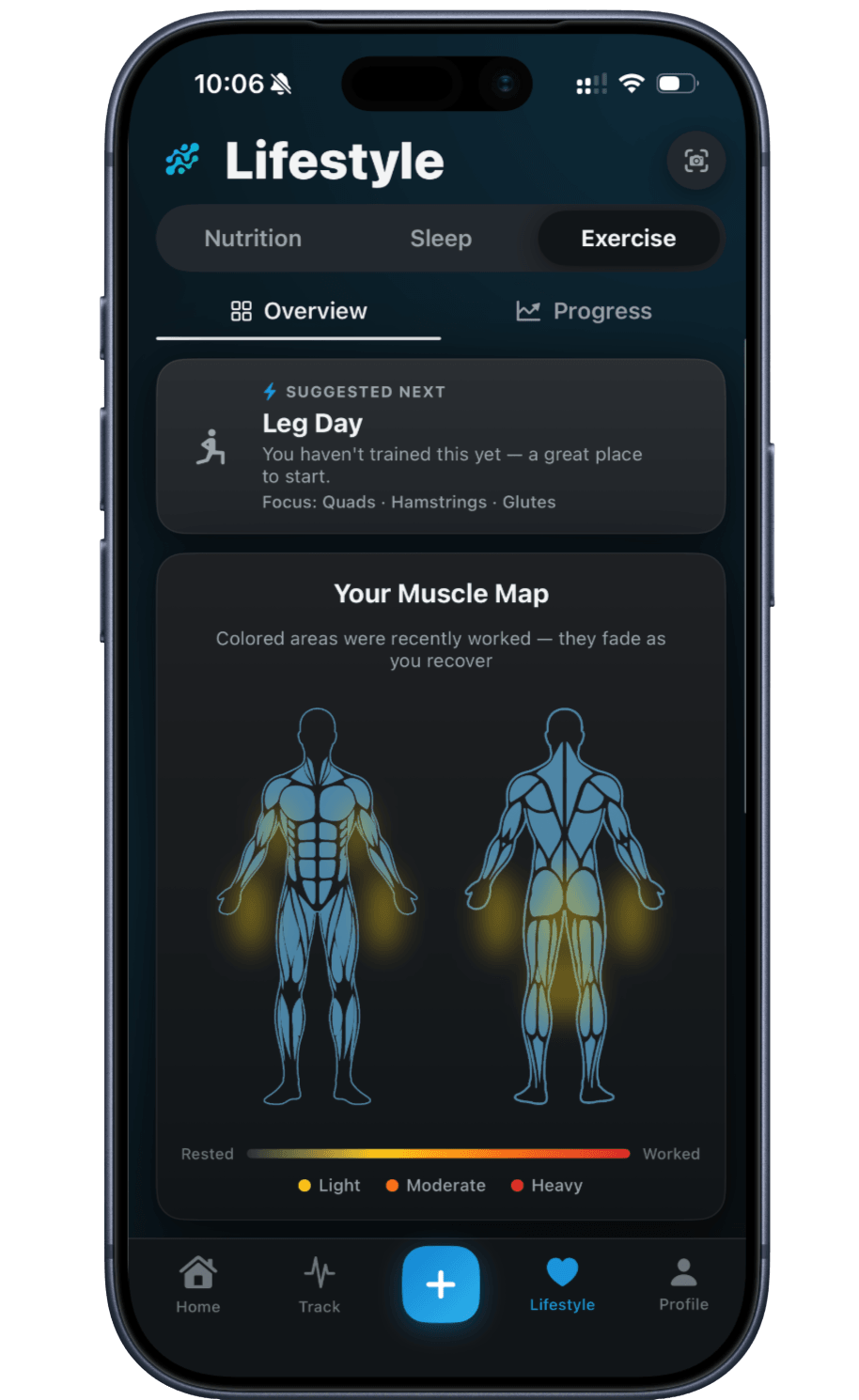
- Workout trackerWorkout Tracker with a Muscle Recovery MapLog sets, reps and weight, see which muscles you've worked on a color-coded recovery map, and chart your heaviest set per exercise.
- Weight trackerWeight Tracker with a Progress ChartLog a daily weigh-in in kg or lb, chart it over the range you pick, and see how far you are from a goal weight you set.
- Sleep trackerSleep Tracker for Nightly LoggingLog bedtime, wake time and sleep quality each night, see an informational Sleep Score and weekly chart, or import sleep from Apple Health.
- Nutrition trackerNutrition Tracker: AI Food & Barcode ScanScan a meal, menu or barcode to estimate calories, protein and macros — or log any meal by hand. Values are approximate.
Track it in Peptade.
Doses, schedules, cycles, injection sites and supply — one app, free to download on iOS and Android.
Peptade is for tracking and education only. It is not medical advice, a diagnosis, or a prescription, and it does not tell you to take, start, stop or buy anything. See the Medical Disclaimer.